

Update to dictation software (Dragon)
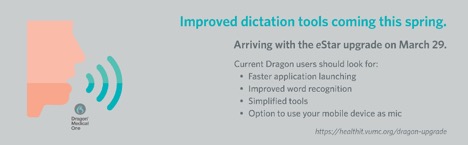
- No required voice training
- No required mic calibration
- Automatic accent detection
- Improved word recognition
- Option to transform your mobile device into a mic, with PowerMic Mobile (Mobile Device Management solution required)
Because DMO is cloud-based (vs. server-based), users will also see:
- Easier updates
- Faster launch and close times
- More intuitive tools
Users who have not logged in this calendar year will have to set up a new account in DMO after March 29.
Getting to Know Dragon Medical One
Dictating via DM One is functionally very similar to the outgoing solution.
Users will notice the following:
- Smaller Dragonbar
- Single location for menu items (under blue flame icon)
- No more yellow (asleep) mic status
- Updated commands
New to Dragon?
New Dragon users will need to call the Help Desk to request that an account be set up in DMO. After March 29, new users can leverage the self-help tools available via the website below to become familiar with the functionality of DMO. Providers at VUMC can also request a 1:1 training from HealthIT experts. Please note that scheduling for personal trainings can vary based on demand.
Training for DMO will be accessible via https://healthit.vumc.org/dragon-upgrade.